
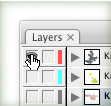
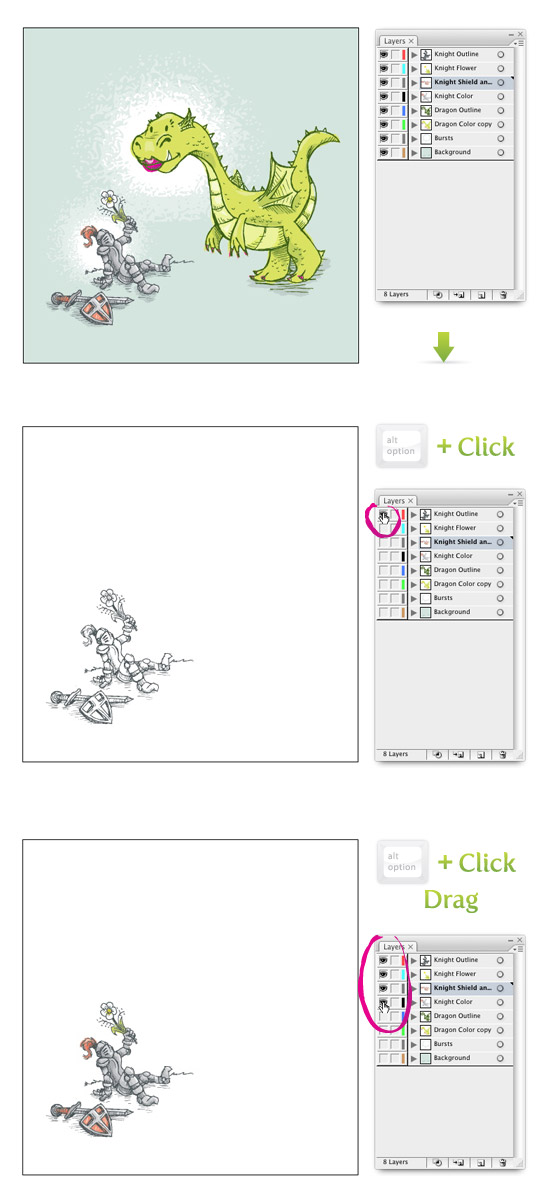
Here is another quick, but usefully tip. To isolate a layer in a complicated file, Option-click (Alt-click) the Visibility Icon on a certain layer to hide all other layers. Option-click (Alt-click) the Visibility Icon again to reveal all the layers. You can also Option-click (Alt-click) and drag across multiple layers to isolate more than one layer at a time.



I in addition to my buddies ended up reading through the nice information and facts found on your website while all of a sudden developed a horrible suspicion I had not expressed respect to you for those tips. Most of the people had been so joyful to see all of them and have in effect in actuality been taking pleasure in them. Many thanks for simply being considerably considerate and also for using this form of impressive things millions of individuals are really desperate to be informed on. Our own sincere regret for not saying thanks to earlier.
A big thank you for your article. Much thanks again. Much obliged.
hey thank you very much for this tip!! Really helped me with my work for school 😀
Thanks for tip, I thought that in illustrator can´t do this, i learn a lot in your blog